NotchLock
Gain instant access to PRO for FREE for 14 days after download. No details needed.
For Macs running macOS 14 or later. Latest version 1.1
Features
| Features | Free | Pro |
|---|---|---|
| Inbuilt Spotify | ✅ | ✅ |
| Inbuilt Calendar | ✅ | ✅ |
| Inbuilt Reminders | ✅ | ✅ |
| Calendar TimeLine | ✅ | ✅ |
| Inbuilt Timer & stopwatch | ✅ | ✅ |
| Shortcuts | ✅ | ✅ |
| Study Statistics | ❌ | ✅ |
| Auto Study Planner | ❌ | ✅ |
| Block Distractions | ❌ | ✅ |
| Quick Add | ❌ | ✅ |
NotchLock
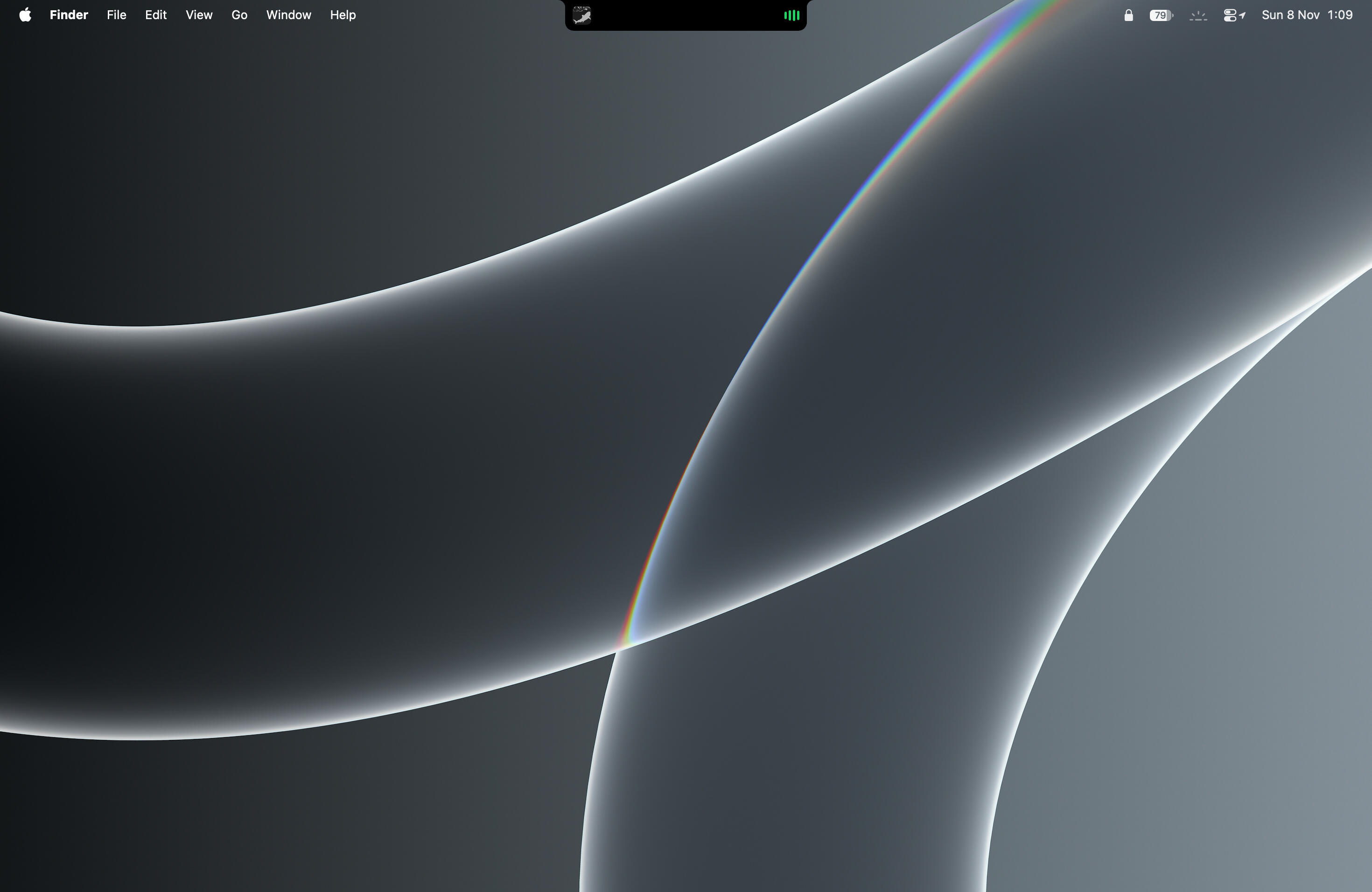
Minimal and refined
Notchlock is an interactive notch that combines, your calendar, audio, timers and tools to focus into a panel that is simple and easy to use.
NotchLock
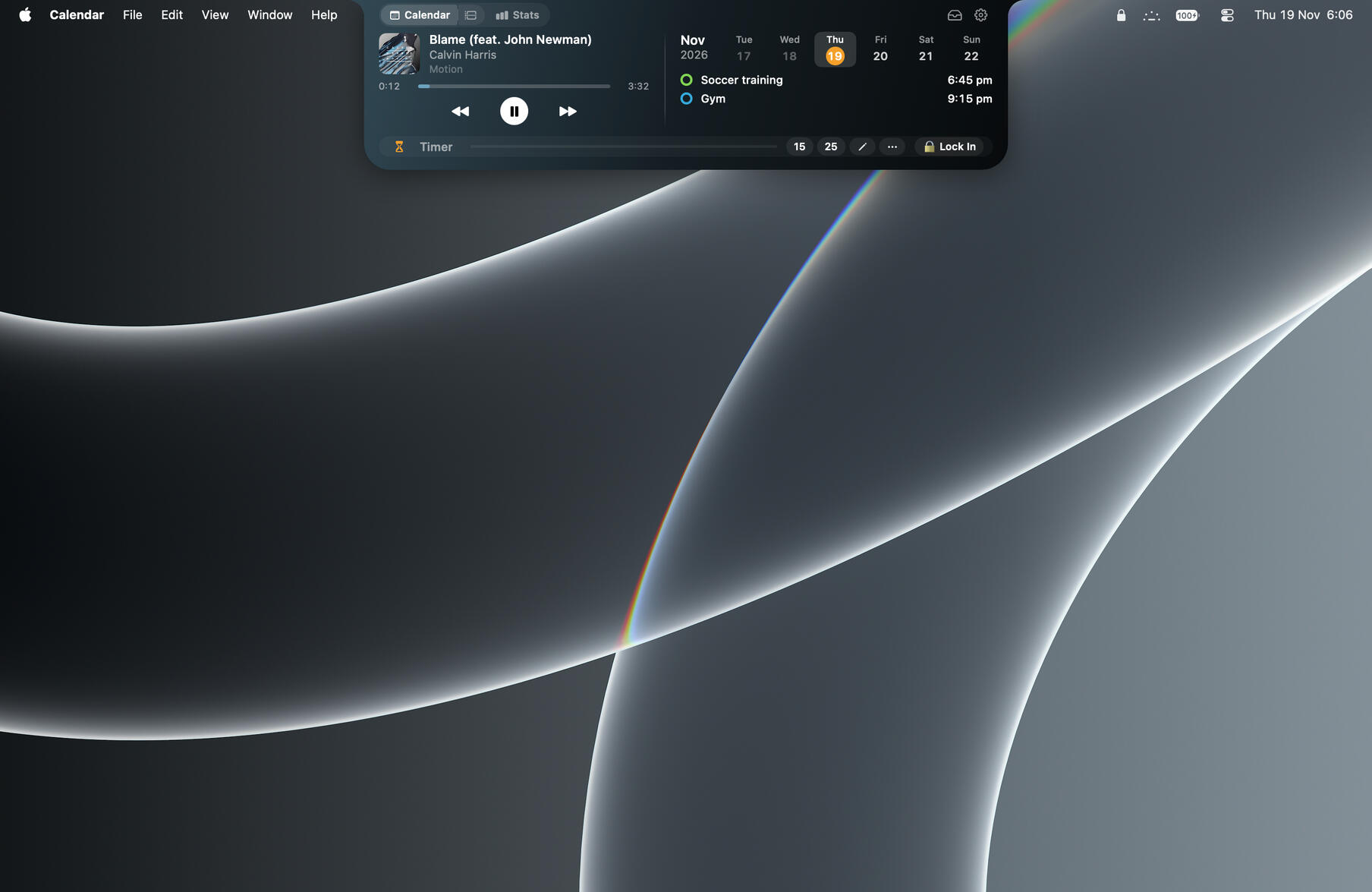
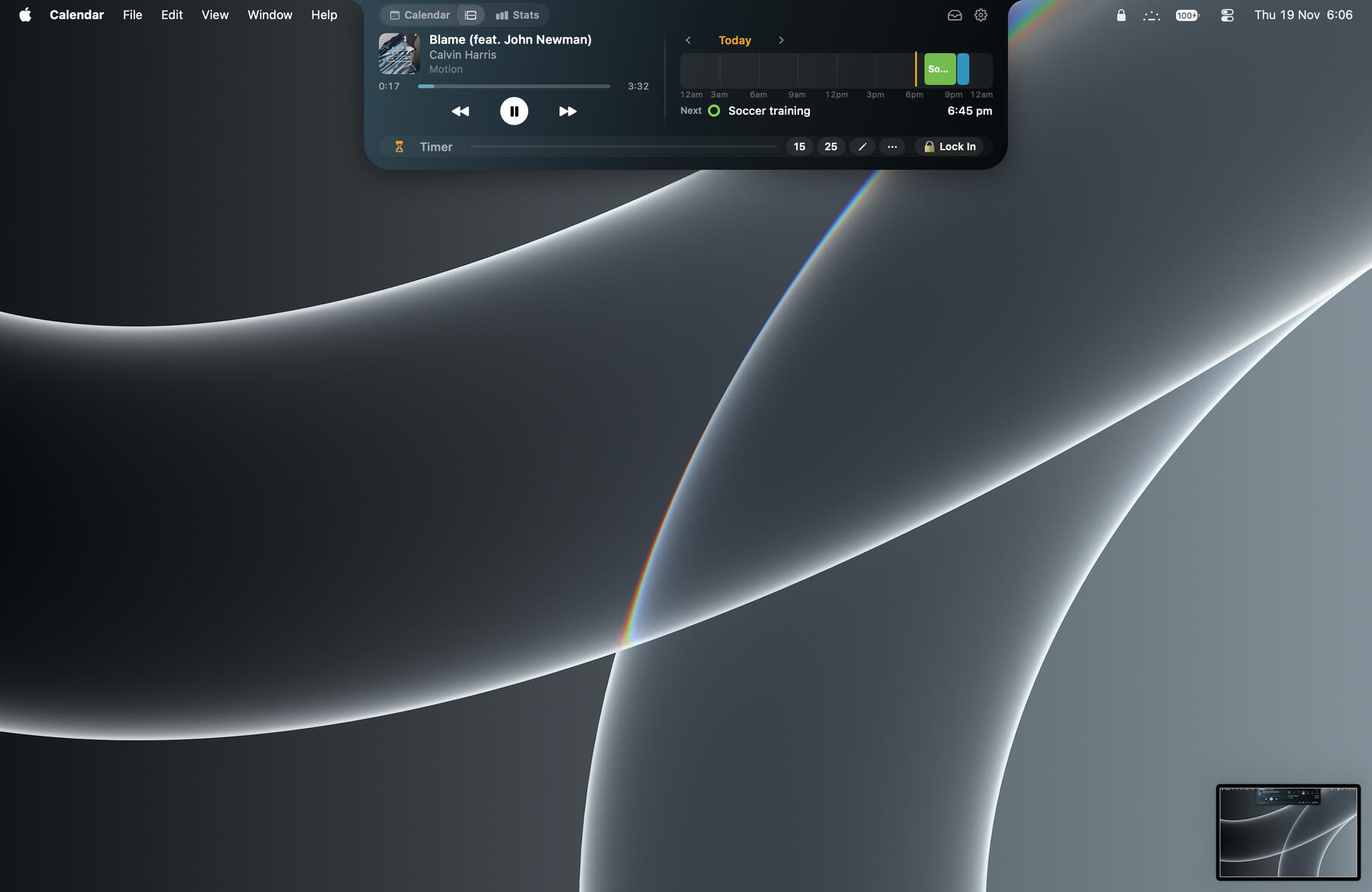
In built calendar
Notchlock's calendar displays events in your active calendar, a simple and quick way to check what's ahead, along with a timeline feature showing the day's activity clearly.
NotchLock
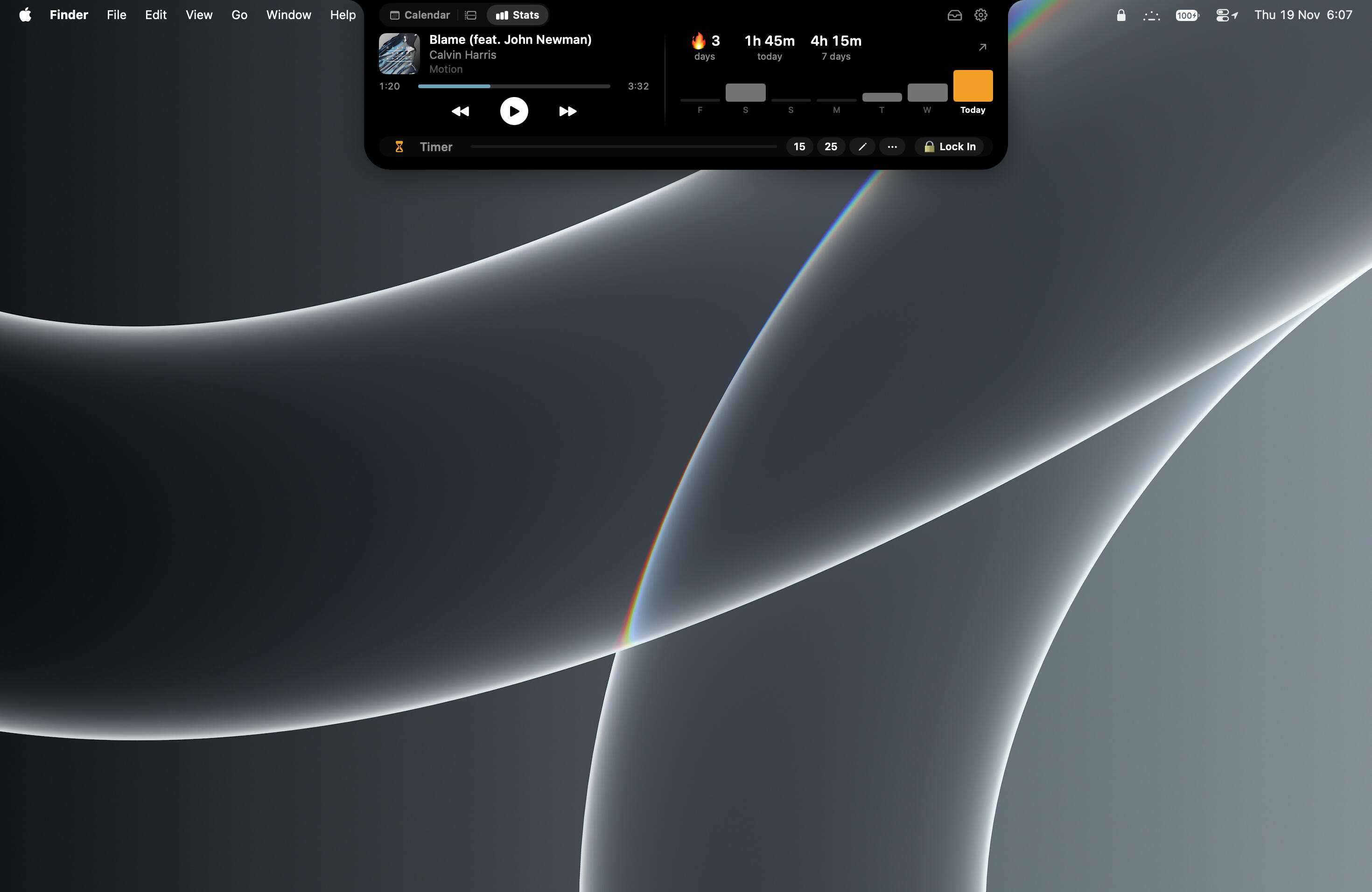
Track your focus - pro
Notchlock focuses on helping you focus and study effectively, with its interactive study button alongside statistics hours of study per day and week.
NotchLock
Quick file menu
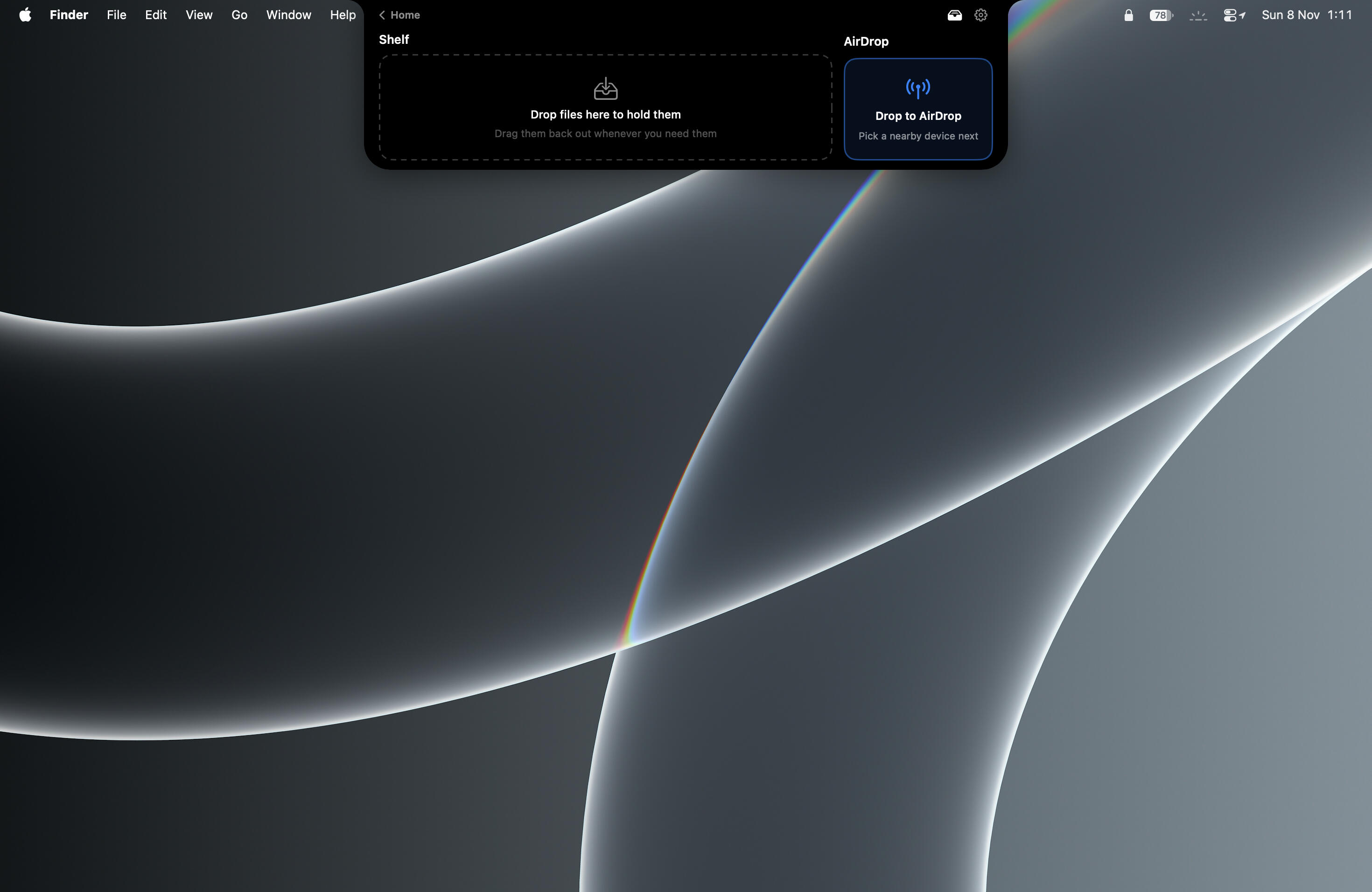
A holding spot for your files. Simply drag a file up towards the notch, drop them in, drag them out, or Share them in a couple of clicks.
NotchLock
Quick add - pro
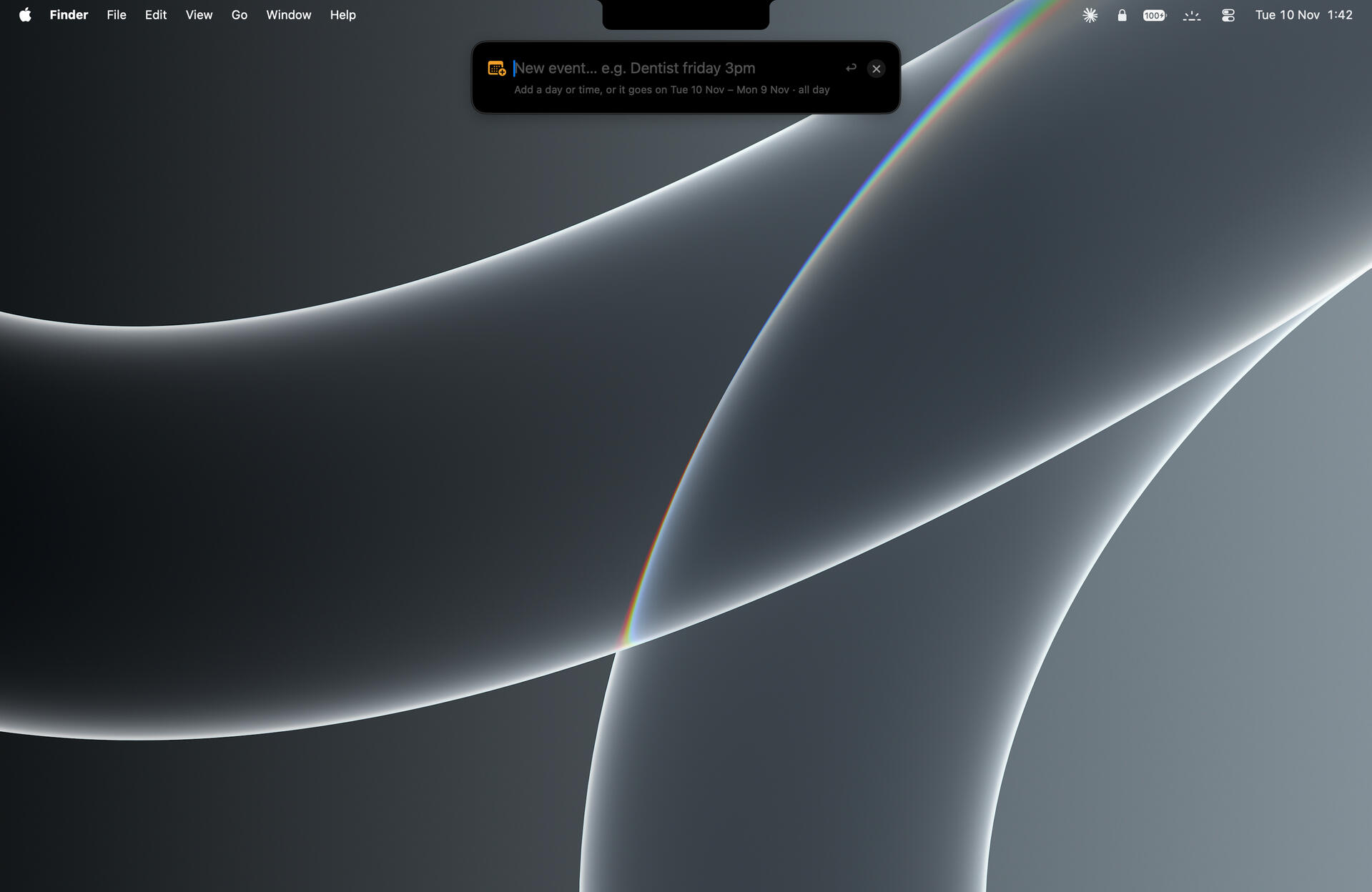
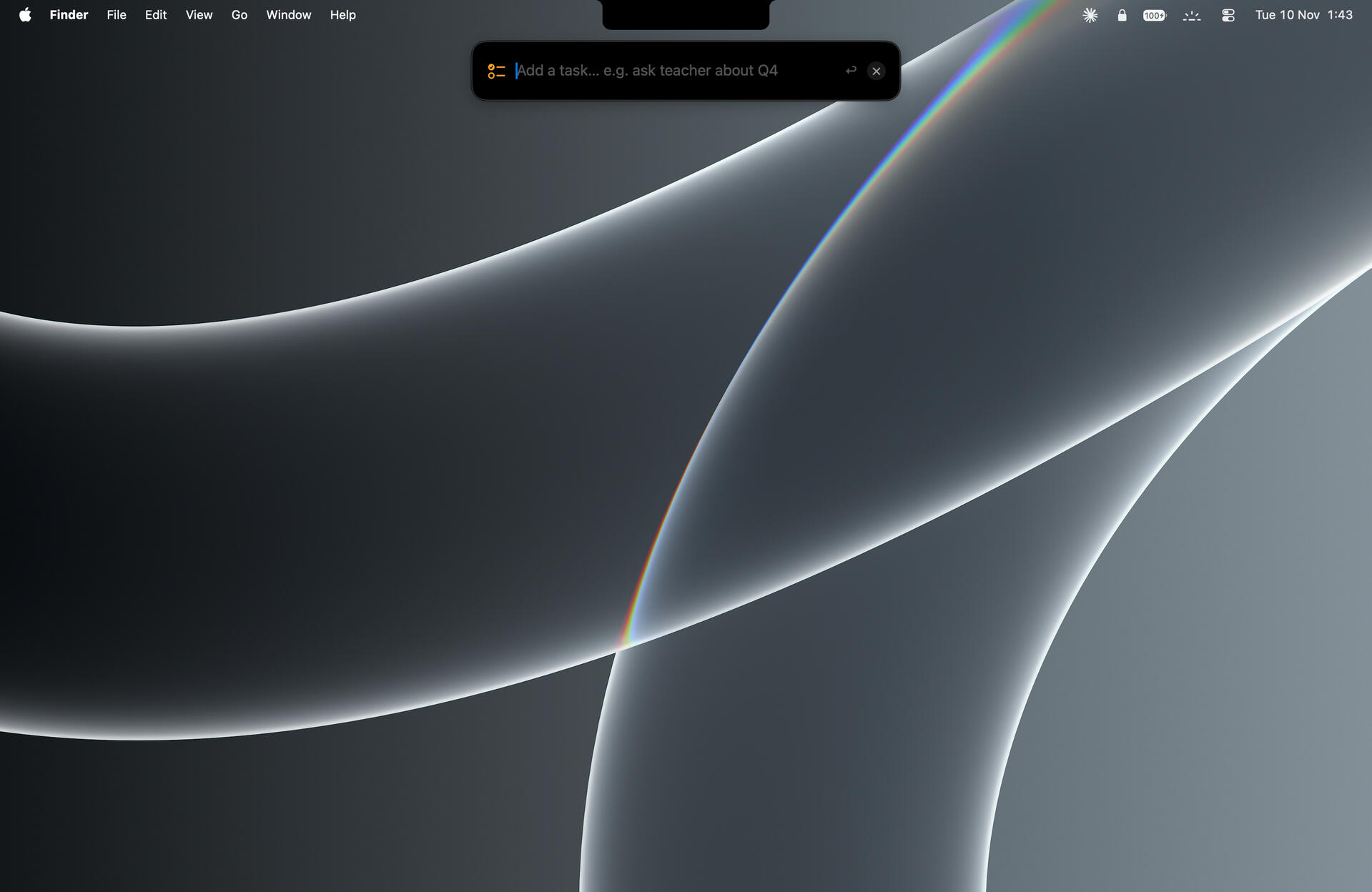
Improve day to day efficiency with the quick add feature, quickly set a reminder or add an event into your calendar with a simple shortcut.
NotchLock
Quick Timer
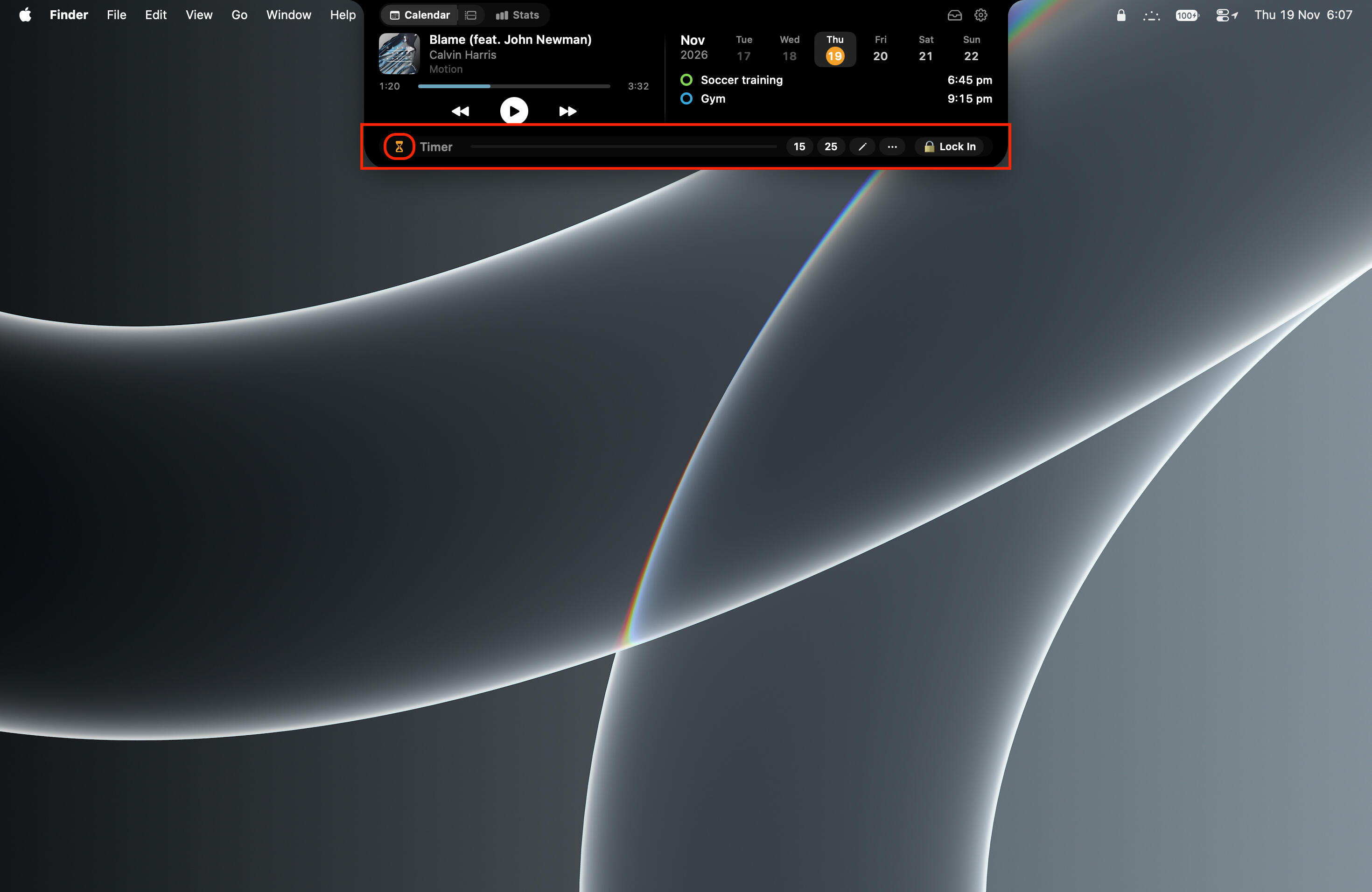
Presets, custom times, Pomodoro and a stopwatch, all one click away. The time sitting at the top of your screen so you never lose track.
NotchLock
if you have any quesitions feel free to reach out to us and we will do our best to help.
Be sure to Follow our socials for releases and updates
For Macs running macOS 14 or later. Latest version 1.1
STEP 1 - unzip Notchlock from your downloads.
STEP 2 - drag Notchlock into your applications
STEP 3 - open Notchlock and follow the welcome screen.
Join PRO and gain access to Planner, Statistics, Distraction Blocking and Quick Add
Keep Pro after your trial
Planner, Statistics, Distraction Blocking, Quick add
$12 / Year
Works on 2 Macs. Cancel any time in the app.
Complete your inquiry and we will do best to help.
Privacy Policy
Last updated: 23 November 2026NotchLock is made by Luke Green in Australia. The short version: NotchLock works on your Mac, and what it reads stays on your Mac. We don't run servers that collect your data, and there are no ads or tracking in the app.What NotchLock reads, and why
NotchLock only reads things you've given it permission to read in macOS, and only so it can show them in the notch.
• Calendar: your events, so they appear on the timeline. Quick add saves new events to the calendar you choose, and the planner can add study blocks and meals to its own NotchLock calendar.
• Reminders: quick add saves new reminders to your default list.
• What's playing: the song or video playing in Spotify, Apple Music or your browser, so you can see it, pause or skip it.
• Accessibility: used to send play and pause to browsers, and to hide distracting apps while you're locked in.
• Shortcuts: if you set up distraction blocking, NotchLock runs two shortcuts that turn Do Not Disturb on and off.
• Files: files you drop on the notch stay in a folder on your Mac until you remove them. AirDrop sends them only to the device you pick, and Share passes them through macOS to the app you choose, such as Messages or Mail.
Your study stats, subjects, planner settings and preferences are saved on your Mac in NotchLock's own settings. Your free trial's start date and your licence are saved on your Mac too, partly in the Keychain. None of this is uploaded anywhere. To remove it all, open Settings → Advanced and choose Uninstall NotchLock completely. It deletes this data, frees your licence key from the Mac and moves the app to the Bin. The only thing kept is a small record of when your free trial started, so the trial can't restart; it contains nothing about you.Buying NotchLock Pro
Purchases go through Dodo Payments, the merchant of record: it sells Pro to you on our behalf and handles payment, tax and receipts. Dodo collects your name, email, payment and billing details under its own privacy policy. We receive your name, email and order details so we can send your licence and help with support. We never see your card details.
When you activate a licence key, NotchLock sends the key and your Mac's name (to tell your two activations apart) to Dodo Payments to confirm it's valid. While Pro is active it checks the key again about once a day. Nothing else about you or your Mac is sent.Update checks
NotchLock checks GitHub, which hosts NotchLock's downloads, to see if a newer version is out. It does this shortly after it opens and once a day, or when you press Check for updates. You can turn automatic checks off in Settings → About. If you press Update, the new version downloads from GitHub too. Like any website, GitHub sees your IP address for these requests, under its own privacy statement. Nothing personal about you is sent.Our website
notchlock.com uses Cloudflare Web Analytics to count visits and see which pages are used. It doesn't use cookies or track you across other sites, and it doesn't tell us who you are.Emails to us
If you email us, we keep the conversation to help you and don't share it.Your choices
You can turn off any permission at any time in System Settings → Privacy & Security. NotchLock keeps working without it; that feature just stops. To have your purchase details removed, email [email protected] and we'll delete what we hold.Changes
If this policy changes, the date at the top changes too. Anything that affects how your data is used will also be noted on the website.Contact
Luke Green · [email protected] · notchlock.com
Terms of Service
Last updated: 23 November 2026These terms cover downloading and using NotchLock, made by Luke Green in Australia. By using NotchLock you agree to them.Free and Pro
NotchLock is free to download. Every new install starts a 14-day free trial of Pro, with no card needed. When the trial ends, Pro features lock until you buy Pro, and everything else keeps working.
NotchLock Pro is a yearly subscription of US$12, plus any tax shown at checkout. It's sold through Dodo Payments, the merchant of record, which handles payment, tax and receipts.Renewal and cancelling
Your subscription renews automatically each year unless you cancel before the renewal date. If the price ever changes, we'll email you before your next renewal. You can cancel any time in NotchLock: open Settings → About and press Manage or cancel Pro, then sign in with the email you bought with. You can also email [email protected] and we'll cancel it for you.
If you cancel, Pro keeps working until the end of the year you've paid for, then NotchLock goes back to the free version. If a renewal payment fails, Pro pauses until it's paid, and you don't need to enter your key again. Either way, your stats and settings stay on your Mac.Your licence
Your licence key works on up to 2 Macs that you own or use yourself. To move it to another Mac, press Deactivate in Settings → About on the old one first, or uninstall it there from Settings → Advanced. Please don't share, resell or publish your key. A key that has clearly been shared may be switched off.
You own your copy of the app, not the app itself. Please don't copy, modify, resell or reverse engineer NotchLock.Other apps and services
NotchLock works with Apple Calendar, Reminders, Spotify, Apple Music and browsers. Those services belong to their owners, and NotchLock isn't made by or affiliated with any of them. If one of them changes how they work, a NotchLock feature that depends on it might stop working until it's updated.
Distraction blocking hides apps and turns on Do Not Disturb. It helps you focus, but it can't guarantee you won't be interrupted, and it shouldn't be relied on to block anything important.Updates
We'll keep improving NotchLock and fixing bugs. Features may change over time. Updates are free while you have Pro, and nothing included in Pro will be moved to a separate paid add-on during a year you've paid for.No guarantees beyond the law
NotchLock is provided as it is. We'll do our best to keep it working well, but we can't promise it will be bug-free or always available.
Nothing in these terms takes away your rights under the Australian Consumer Law or the consumer laws where you live. Apart from those rights, our liability for anything to do with NotchLock is limited to the amount you paid for Pro in the 12 months before the problem.Changes
If these terms change, the date at the top changes too. Continuing to use NotchLock after that means you accept the new terms.Law
These terms are governed by the laws of New South Wales, Australia.Contact
Luke Green · [email protected] · notchlock.com
Refund policy
Last updated: 21 November 2026Refunds: if Pro isn't right for you, email [email protected] within 14 days of being charged and we'll give you a full refund. This applies to your first purchase and to each yearly renewal. You don't need to give a reason.After 14 days we'll still sort it out if Pro has a problem we can't fix, or doesn't do what this website says it does. That's your right under the Australian Consumer Law, and the consumer laws where you live may give you more.Refunds go back to the card or account you paid with, through Dodo Payments, and usually show up within 5–10 business days. A refund also ends the subscription: your licence key stops working and NotchLock goes back to the free version. Your stats and settings stay.The free trial and the free version cost nothing, so there's nothing to refund. Cancelling on its own stops future renewals but doesn't refund a year already paid for, unless you're still within the 14 days above.